
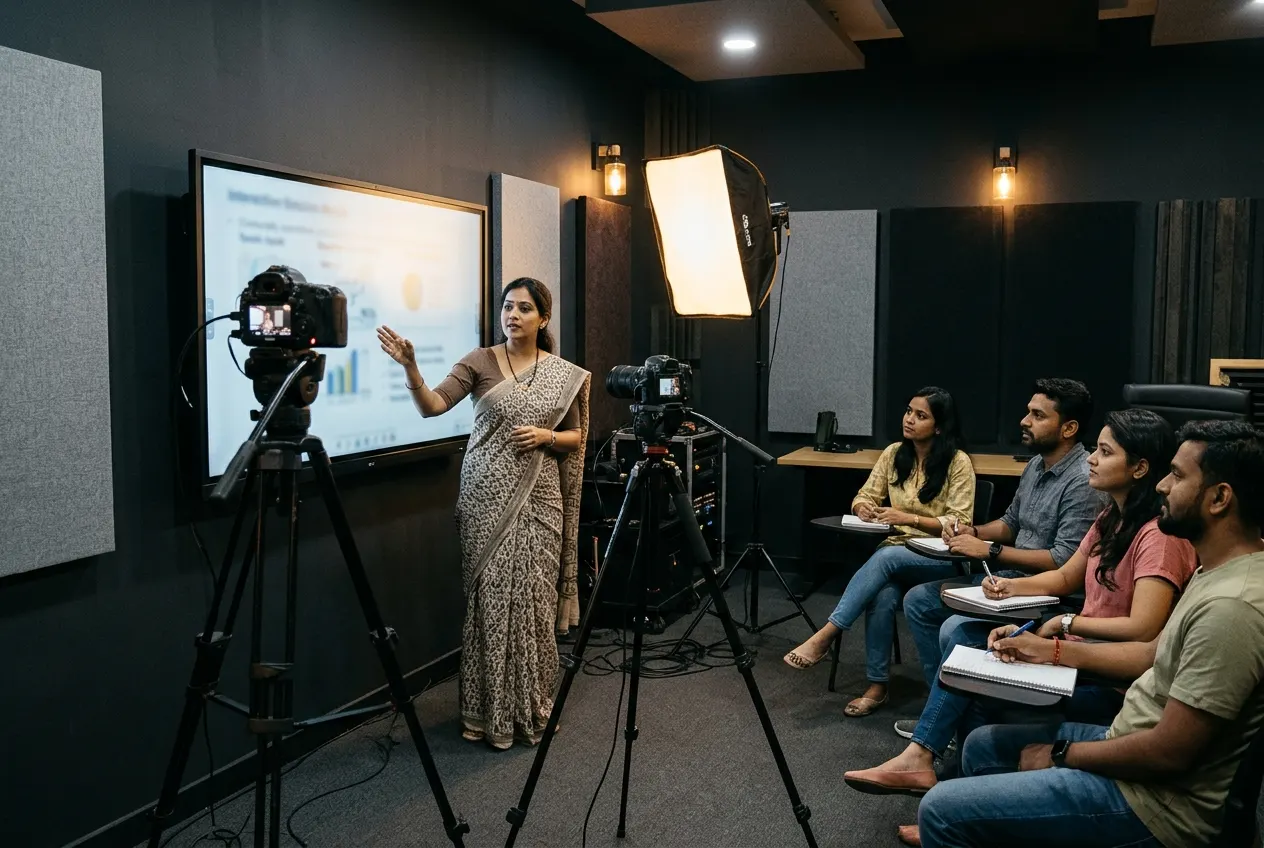
Smart InfoVision · Studio Setup
Studio setups for teaching, recording and going live
Build a space around the way you work. Explore studios for teaching, video production, audio and meetings, and get help planning the room and equipment.
Teach live, Record the lesson, Key a green screen, Go live, Host a podcast, Narrate a chapter, Tune the room, Meet in hybrid
The lineup · 13 studios
Find the right studio setup
Teaching
5 setups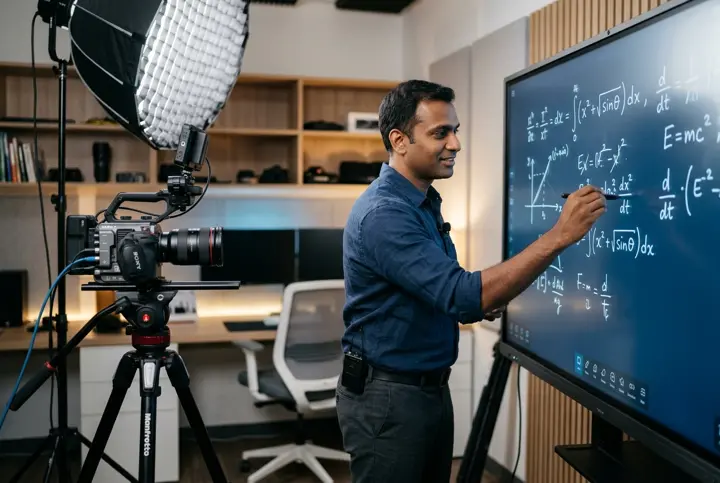
Teaching
Online Teaching Studio
Teach live classes and record lessons from a dedicated space.
Explore Online Teaching Studio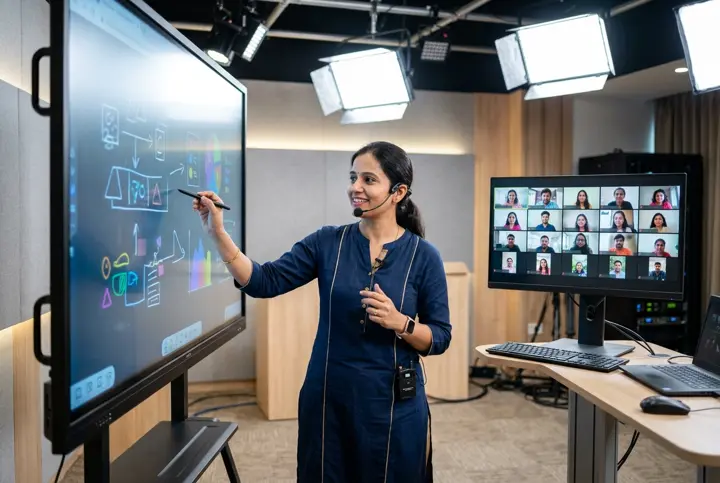
Teaching
Virtual Class Studio
Run remote classes with live annotation, discussion and screen sharing.
Explore Virtual Class Studio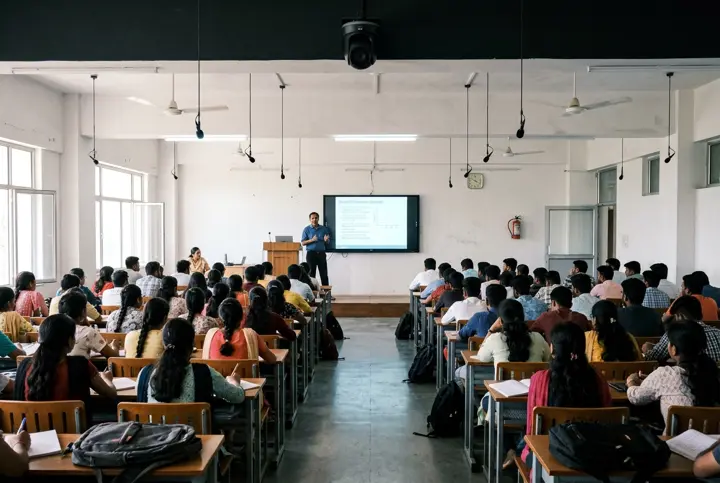
Teaching
Hybrid Classroom
Teach students in the room and online in the same session.
Explore Hybrid Classroom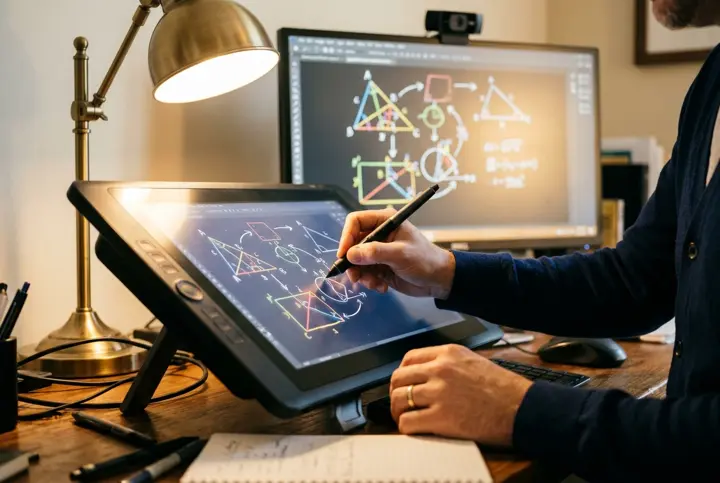
Teaching
Pen Tablet Studio
Write equations, sketch diagrams and annotate slides from your desk.
Explore Pen Tablet Studio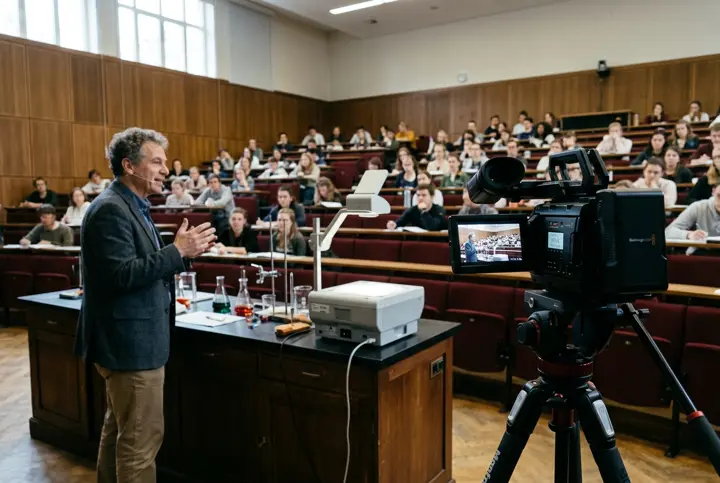
Teaching
Lecture Recording Studio
Capture classes for replay, revision and course libraries.
Explore Lecture Recording Studio
Video Production
3 setups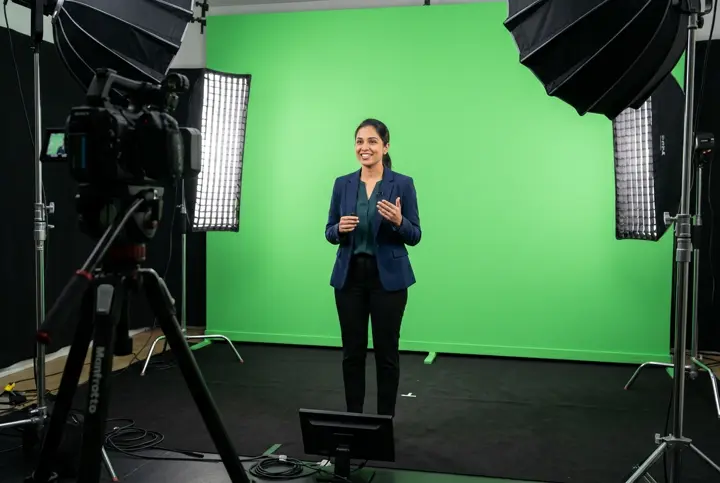
Video Production
Green Chroma Studio
Record or go live with a background you can change for each session.
Explore Green Chroma Studio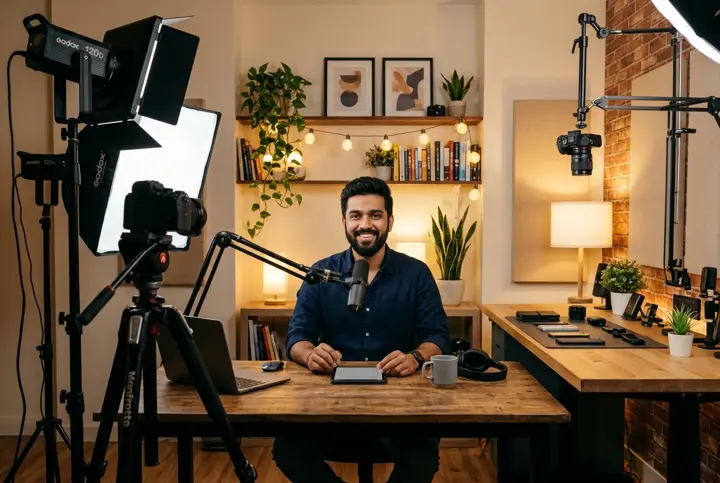
Video Production
YouTube Studio
Set up repeatable shots for tutorials, reviews and presenter-led videos.
Explore YouTube Studio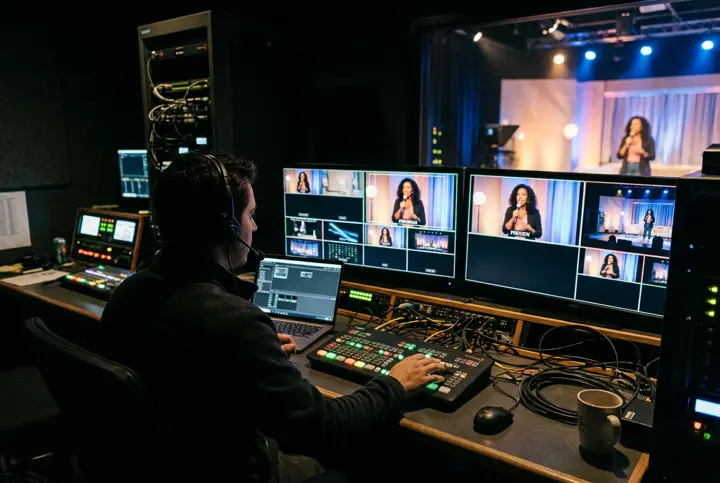
Video Production
Live Streaming Studio
Switch cameras, slides and remote guests during a live broadcast.
Explore Live Streaming Studio
Audio
4 setups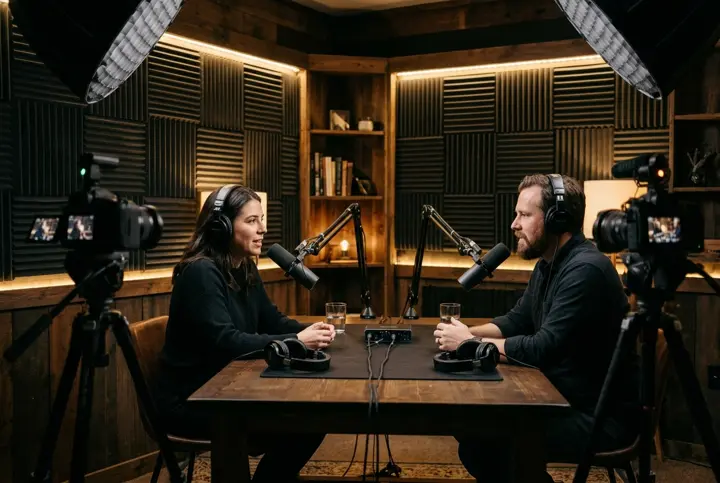
Audio
Podcast Studio
Record interviews, video podcasts and conversations.
Explore Podcast Studio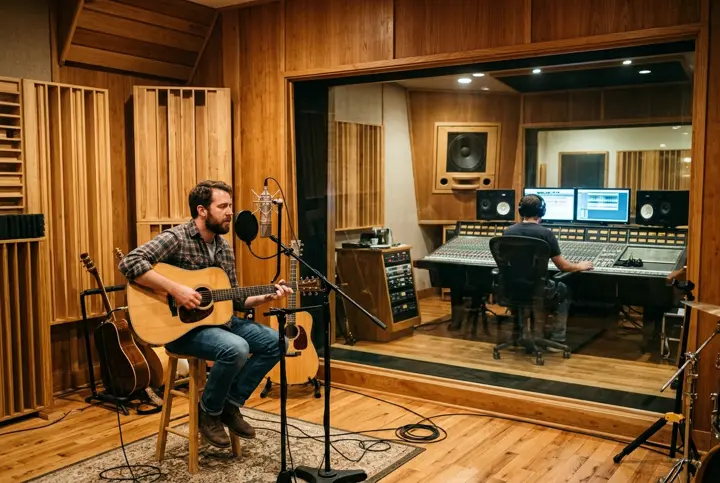
Audio
Recording Studio
Plan a room for vocals, instruments and multitrack sessions.
Explore Recording Studio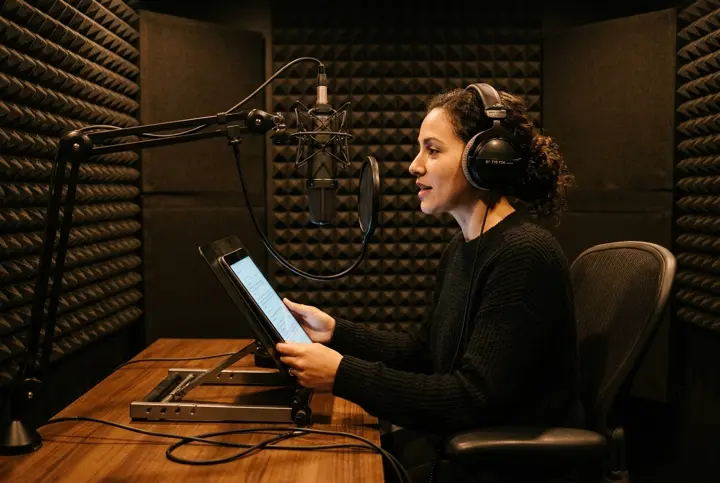
Audio
Voice Recording Studio
Record voice-overs, audiobooks and course narration.
Explore Voice Recording Studio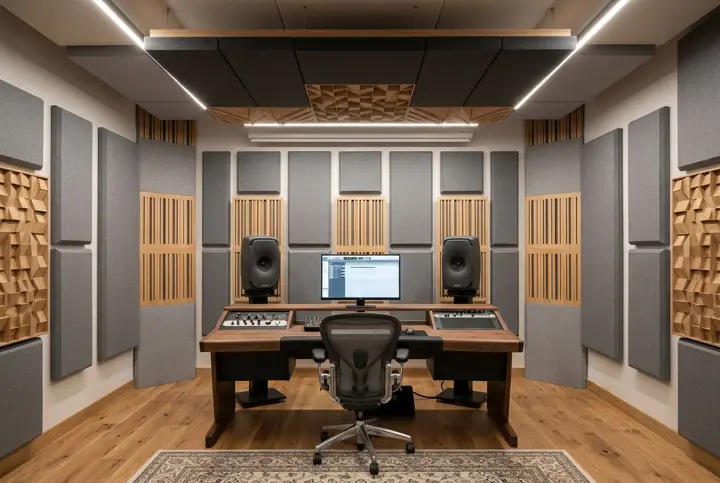
Audio
Acoustic Studio
Assess echo and outside noise, then plan treatment for the room.
Explore Acoustic Studio
Compare
Which setup fits the way you work?
| Setup | Best for | What to plan first |
|---|---|---|
| Podcast | Interviews and audio or video series | Guest count, room sound, and camera angles |
| Green chroma | Lessons, webinars, and videos with virtual backgrounds | Subject-to-screen distance, framing, and lighting |
| Hybrid classroom | In-person and remote learners attending together | Two-way audio, camera coverage, and display placement |
| Online teaching | Online classes and recorded lessons from a dedicated room | Teaching surface, camera framing, and recording workflow |
| Virtual class | Live, interactive classes with remote learners | Screen sharing, annotation and student monitoring |
| Pen tablet | Handwritten lessons and diagrams from a desk | Tablet compatibility and legibility on a phone |
| Lecture recording | Replays, flipped classrooms, and course archives | Capture sources, audio and publishing workflow |
| YouTube | Tutorials, product reviews, and presenter-led video | Repeatable framing, lighting and set layout |
| Live streaming | Webinars, live events, and interviews with remote guests | Feed switching, stream monitoring and internet reliability |
| Recording | Vocals, instruments, and multitrack sessions | Simultaneous inputs and monitoring |
| Voice recording | Narration, voice-over, and audiobooks | Room noise, mic position, and consistency between takes |
| Acoustic | Reducing room reflections and assessing noise transmission | Noise sources, room treatment, and isolation needs |
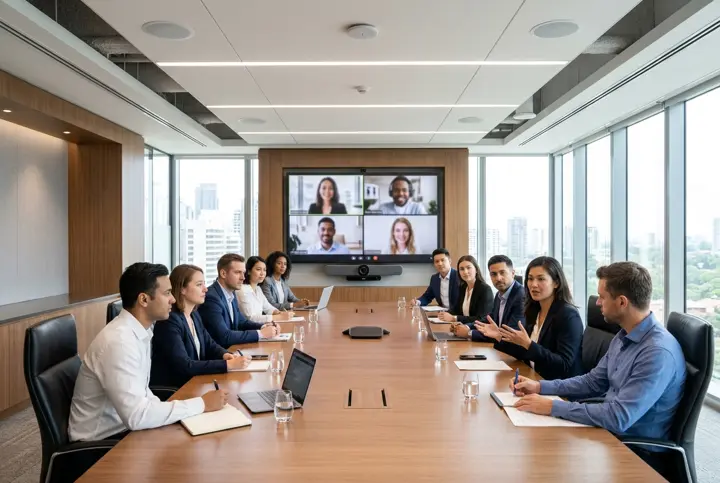
| Conference | Boardroom calls and corporate training | Seat coverage, echo control, and simple controls |
- Podcast
- Best for
- Interviews and audio or video series
- What to plan first
- Guest count, room sound, and camera angles
- Green chroma
- Best for
- Lessons, webinars, and videos with virtual backgrounds
- What to plan first
- Subject-to-screen distance, framing, and lighting
- Hybrid classroom
- Best for
- In-person and remote learners attending together
- What to plan first
- Two-way audio, camera coverage, and display placement
- Online teaching
- Best for
- Online classes and recorded lessons from a dedicated room
- What to plan first
- Teaching surface, camera framing, and recording workflow
- Virtual class
- Best for
- Live, interactive classes with remote learners
- What to plan first
- Screen sharing, annotation and student monitoring
- Pen tablet
- Best for
- Handwritten lessons and diagrams from a desk
- What to plan first
- Tablet compatibility and legibility on a phone
- Lecture recording
- Best for
- Replays, flipped classrooms, and course archives
- What to plan first
- Capture sources, audio and publishing workflow
- YouTube
- Best for
- Tutorials, product reviews, and presenter-led video
- What to plan first
- Repeatable framing, lighting and set layout
- Live streaming
- Best for
- Webinars, live events, and interviews with remote guests
- What to plan first
- Feed switching, stream monitoring and internet reliability
- Recording
- Best for
- Vocals, instruments, and multitrack sessions
- What to plan first
- Simultaneous inputs and monitoring
- Voice recording
- Best for
- Narration, voice-over, and audiobooks
- What to plan first
- Room noise, mic position, and consistency between takes
- Acoustic
- Best for
- Reducing room reflections and assessing noise transmission
- What to plan first
- Noise sources, room treatment, and isolation needs
- Conference
- Best for
- Boardroom calls and corporate training
- What to plan first
- Seat coverage, echo control, and simple controls
Use cases
Need a setup for a specific subject or workflow?
Tell us what you need to show, record, or stream. We can discuss how to adapt a studio to the way you work.
- Traditional classroom recordingLecture Recording Studio
- Remote classroom recordingLecture Recording Studio
- Flipped-classroom recordingLecture Recording Studio
- Lab demonstrationsLecture Recording Studio
- Art and design lessonsLecture Recording Studio
- Language lessonsLecture Recording Studio
- One-to-one instructionOnline Teaching Studio
- Digital whiteboardingPen Tablet Studio
- Distance learningVirtual Class Studio
- Smart classroomsHybrid Classroom
- Coaching institute setupsOnline Teaching Studio
- WebinarsLive Streaming Studio
- Yoga and fitness classesYouTube Studio
- Dance lessonsYouTube Studio
- Live performanceLive Streaming Studio
- PhotographyYouTube Studio
- Product demonstrationsYouTube Studio
- Multimedia productionGreen Chroma Studio
Specialist rooms. Computer labs, language labs, STEM and maker spaces, medical simulation, VR lessons, home economics, outdoor instruction, business training and other specialist rooms can be scoped during a consultation.
Help me chooseHow it works
From room plan to first session
Tell us what you want to teach or record and where the setup will go. We’ll discuss the room, equipment options and the installation scope for your quote.
Step 1: Share your requirements
Tell us what you want to teach or record, and where the setup will go.
Step 2: Review a proposed setup
Discuss the room, equipment options and the installation scope for your quote.
Step 3: Confirm installation and training details
Agree the plan before work begins on your studio.
FAQ
Common questions about studio setups
Can I use equipment I already own?
Share your models when you enquire. We can review how the equipment fits into the proposed setup.
What affects the cost of a studio setup?
Room conditions, equipment, installation, and your recording or teaching workflow all shape the quote.
Do you install studios in my city?
Include your city in the enquiry so our team can confirm local availability and installation scope.
Next step
Tell us what you want to build
Share your city and the kind of studio you have in mind.
Get a Studio QuoteQuote
Request your studio quote
Tell us about your room and the studio you have in mind. The Smart InfoVision sales team will get back to you to plan the next step.
Helpful to share
- Your name and city
- The studio type you have in mind
- Room size and layout
- Equipment you already own
- Budget and timeline, if you have them